RC Robot Toy for Kids: Battle, Dance & Program Play
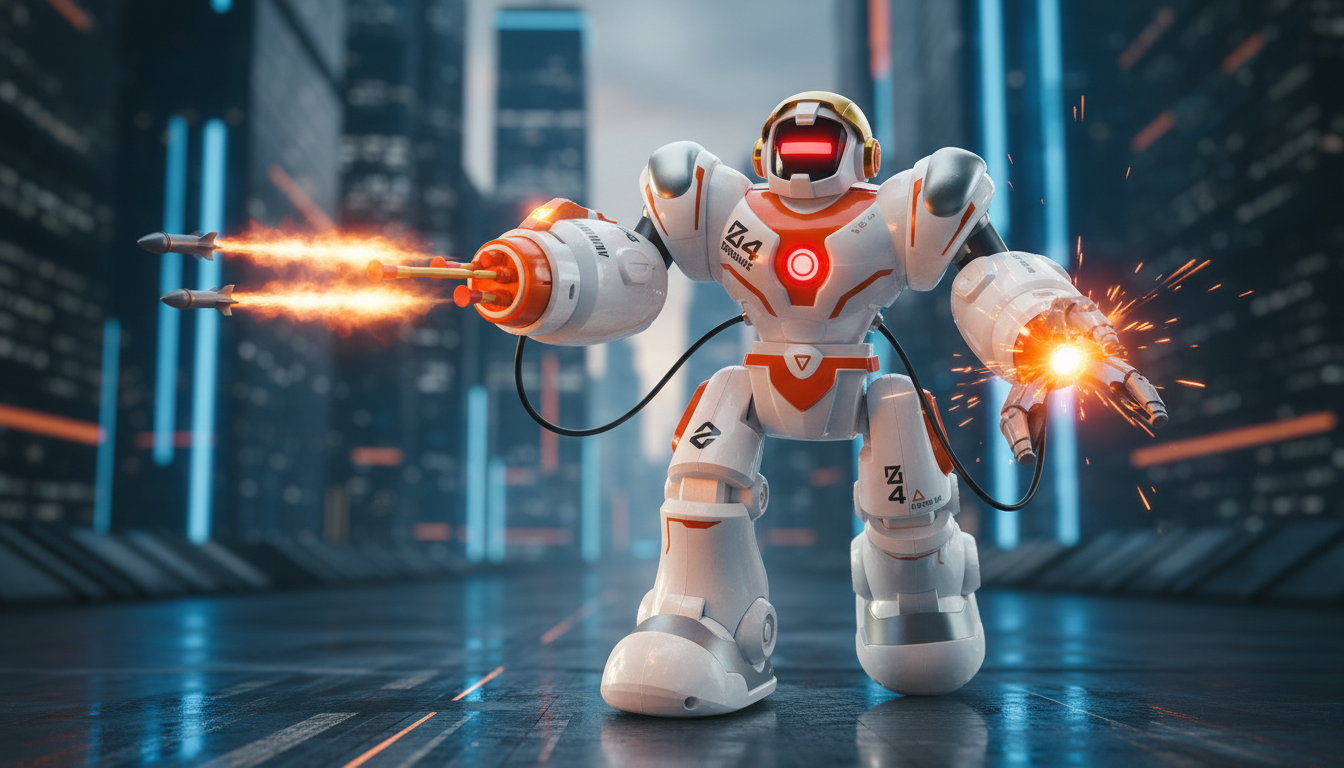
RC Robot Toy for Kids: Battle Mode, Dance Moves, and Programmable Play
A remote-controlled robot that can battle, dance, and follow programmed sequences turns playtime into a mix of action, creativity, and skill-building. The best part is how quickly kids can switch from “drive and react” play to “plan and test” play—often in the same session. Below is a practical guide to what these features look like during real use, how to set it up for smoother play, and what to check so it fits your child’s age, space, and play style.
What makes this robot fun right out of the box
Some toys need a long learning curve to feel exciting. A feature-packed RC robot tends to deliver immediate “try it again” energy because it offers different types of play on demand.
- Battle mode adds goals so it feels like a game, not just driving around.
- Dance routines add variety and give kids something entertaining even when they’re playing solo.
- Programmable actions build curiosity because kids can design a sequence, run it, then tweak it.
- RC control supports quick bursts of play—ideal between homework, chores, or other games.
- Sound and light cues make it easier for younger kids to connect “button pressed” with “robot response.”
If you’re shopping for a gift that feels interactive right away, take a look at the RC Robot Toy for Kids with Battle Mode, Dance, and Programmable Features.
Battle mode: how to set up matches that stay friendly
Battle play can be a highlight—especially for siblings and playdates—when it’s structured to prevent crashes from turning into arguments. A little setup goes a long way.
- Create a simple arena using pillows, painter’s tape lanes, or cardboard barriers to keep action contained.
- Keep rounds short (30–60 seconds) so everyone gets turns and frustration stays low.
- Set house rules before starting: no aiming at faces, keep hands away from moving parts, and pause if someone steps into the play zone.
- Practice “attack” or interaction functions in open space first so kids learn timing without bumping furniture.
- Add sportsmanship points for smooth driving, clean turns, or finishing a move without collisions.
For additional safety basics (especially for younger kids), it’s worth reviewing toy guidance from the U.S. Consumer Product Safety Commission (CPSC).
Dance mode: making movement play more engaging
Dance mode is surprisingly useful because it changes the mood of play. It’s less about winning and more about performance, copying, and laughing at the robot’s moves.
- Play follow-along: kids mimic the robot’s steps, then create their own routine after it finishes.
- Use it as a reset between battle rounds to keep energy positive and reduce competitive tension.
- Try a music challenge: start a song, let the robot dance, then switch tracks and see what routine kids choreograph next.
- For parties, assign roles (DJ, driver, judge) so everyone participates without crowding the robot.
- Set a “stage” on a clear, flat area so movements look smoother and tipping is less likely.
If you’re building a game night rotation, pairing an active robot with a tabletop game can keep groups from getting overstimulated. A good companion option is the Interactive Soccer Table Game for Kids for turn-taking play when the robot needs a recharge.
Programmable features: turning play into problem-solving
Programming is where the toy shifts from pure reaction to planning. Kids learn that order matters, and that small changes can fix (or ruin) the whole “mission.”
- Start small (3–5 steps) so kids learn sequence logic before building longer routines.
- Create a mission: program the robot to travel to a target, perform a dance move, then return.
- Use obstacles as learning tools—kids can adjust timing, spacing, and direction for better accuracy.
- Encourage debugging: if the robot ends up wrong, change one step at a time and retest.
- Blend in story play (robot patrol, robot dance show, robot rescue) to keep it imaginative.
For families looking to reinforce good play habits, the American Academy of Pediatrics shares practical toy safety reminders at HealthyChildren.org.
Controls, space, and everyday usability
Specs and quick comparison checklist
| What to check | Why it matters | Quick tip |
|---|---|---|
| Battle interactions | Keeps play goal-based instead of only driving around | Use short rounds and clear boundaries to reduce crashes |
| Dance routines | Adds variety and makes the robot entertaining during breaks | Clear a small stage area so the routine looks smooth |
| Programmable sequence length | Supports planning and step-by-step thinking | Start with a few steps, then build longer routines |
| Charging and battery use | Determines downtime and ease of repeated play | Charge after play sessions so it’s ready next time |
| Indoor space needs | Avoids frustration from constant bumps and resets | Tape a simple “arena” to contain movement |
Care, safety, and troubleshooting basics
A solid gift pick for active, creative play
FAQ
What age is an RC robot with battle and programming best for?
Many kids do well starting around ages 6–12, with younger kids enjoying driving and dance modes while older kids get more out of programming and longer “missions.” Always supervise when small parts are involved and set clear play boundaries for safe indoor use.
How can battle mode be played safely indoors?
Create a clear arena away from stairs and pets, set rules (no aiming at faces, hands off moving parts), and use short rounds to keep things calm. Barriers like pillows or cardboard can reduce collisions with furniture and keep matches contained.
Does programming the robot require an app?
It depends on the model: some robots program using buttons on the remote, while others use an app for step-by-step commands. Check the product details to confirm the method and expect a short setup step like pairing or selecting a programming mode.














Leave a comment