USB/XLR Dynamic Mic: Podcast, Gaming, Streaming Setup
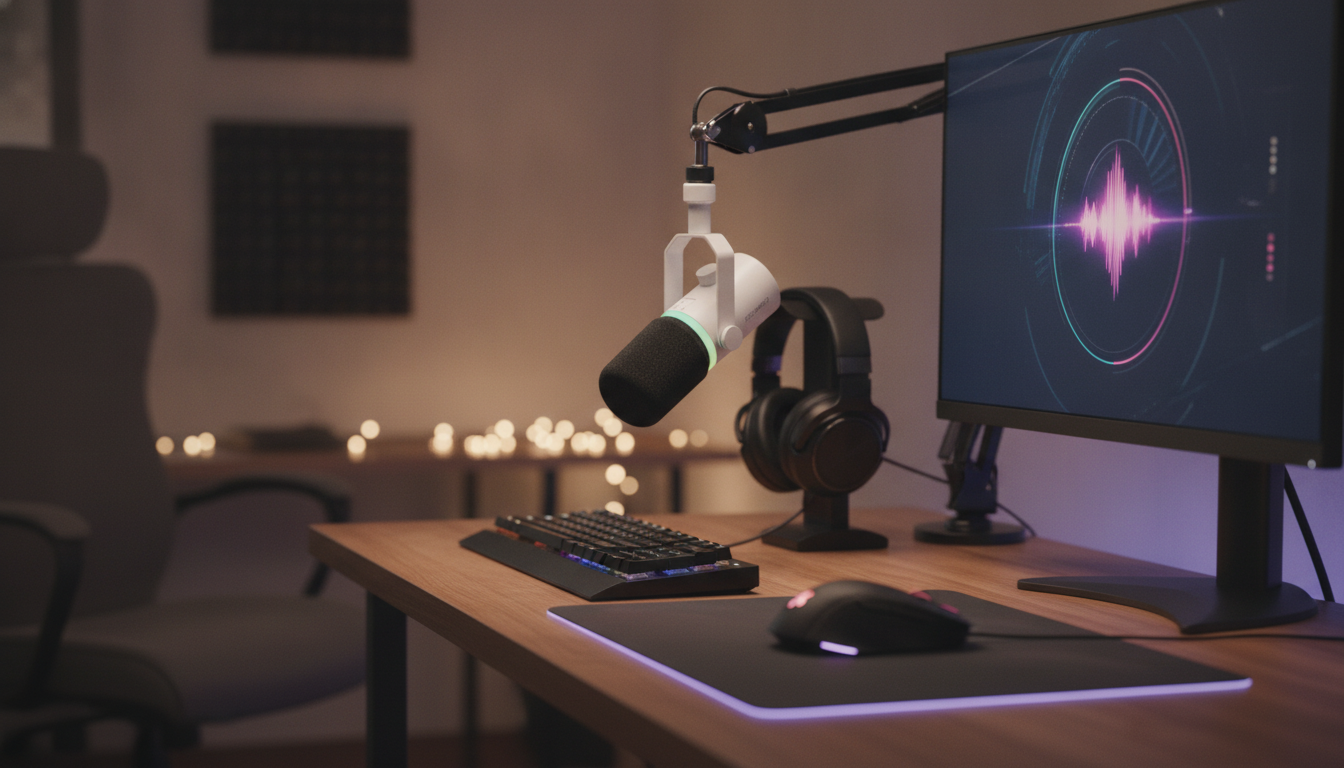
USB/XLR Dynamic Microphone for Podcasting, Gaming, Streaming & Recording
A dynamic microphone with both USB and XLR connections can cover everything from quick plug-and-play streams to upgraded studio-style setups. With one mic, it’s easy to start on USB for calls, gaming chat, and simple recordings, then move to XLR later for more routing control, better monitoring, and multi-source workflows. This guide explains why dynamic mics are a strong fit for voice-forward content, how USB and XLR setups differ, and practical steps to get clear, controlled speech for podcasts, games, live streams, and recordings. For more guidance, see The RPG Beginner’s Guide to Microphones, Cameras, and Streaming.
Why a dynamic mic works well for voice-heavy setups
Dynamic microphones are a popular choice for spoken voice because they’re built to handle close-up use and real-world rooms. When input gain is set correctly, they can take loud sources (excited streaming moments, energetic narration) without turning sharp or brittle. They also tend to pick up less of the room compared with many condenser microphones, which can be a major advantage in untreated spaces. For further reading, see Need High Quality Headworn Microphone for Podcasting – Head-Fi.
For gaming and streaming, a dynamic mic can help keep background sounds—PC fans, keyboard clicks, and general household noise—less prominent when paired with good mic technique. They also pair well with common live voice tools like noise gates/expanders, compressors, and EQ, letting speech stay present and intelligible without needing a full acoustic treatment plan. For a deeper breakdown of microphone types, see Shure’s guide on dynamic vs. condenser microphones.
USB vs XLR: two ways to connect, two different workflows
Dual-connection mics give you two paths: USB for convenience and XLR for expandability. USB is the simplest route—plug into a computer, select the mic in your streaming/recording app, and you’re ready. XLR is the more traditional audio route—connect to an interface or mixer for flexible gain staging, monitoring, and multi-input setups.
USB and XLR connection comparison
| Connection | Best for | What else is needed | Typical benefits |
|---|---|---|---|
| USB | Streaming, gaming chat, quick podcast sessions | Computer and a stand/boom arm | Fast setup, fewer cables, easy portability |
| XLR | Studio-style podcasting, multi-mic shows, advanced routing | XLR cable + audio interface or mixer | More gain control, better monitoring options, expandability |
Because the microphone capsule is the same, the “character” of the sound is consistent. The difference is where the conversion and amplification happen: USB relies on the mic’s built-in electronics, while XLR depends on your interface/mixer quality and settings. XLR also makes it easier to integrate additional sources (multiple mics, music players, console audio) and to route clean monitoring mixes. For broader audio engineering standards and resources, the Audio Engineering Society (AES) is a long-standing authority.
Setups by use case
Podcasting
For podcasts, prioritize consistency. Keep a steady mouth-to-mic distance and maintain the same speaking position from episode to episode. A touch of compression can help keep levels even so listeners aren’t reaching for the volume control. If you record with two people in the same room, using XLR with an interface can help keep channels separated and easier to edit.
Gaming
In gaming voice chat, the goal is clarity without transmitting every key press. Place the mic close enough to keep your voice strong at lower gain, and angle it slightly off-axis to reduce plosives and breath noise. A gentle gate or expander can reduce keyboard bleed between sentences, but it should open naturally on softer words so you don’t clip syllables.
Streaming
Streaming adds one more rule: avoid clipping at all costs, because distortion is hard to fix once it’s broadcast. Monitor your mic level while talking at your “hype” volume, not just your calm voice. If your software supports it, a limiter on the final voice bus can catch sudden peaks while keeping normal speech natural.
Recording (voiceovers, content, music demos)
For recordings you plan to edit later, capture clean audio at healthy levels rather than pushing gain to the edge. Leave headroom, then apply EQ and compression in post so you can fine-tune without bringing up noise. This workflow is especially smooth with XLR into an interface that offers stable drivers and low-latency monitoring.
Positioning and technique for clean speech
Gain staging and quick audio processing starting points
Compatibility notes and accessories to consider
A practical pick for a flexible home setup
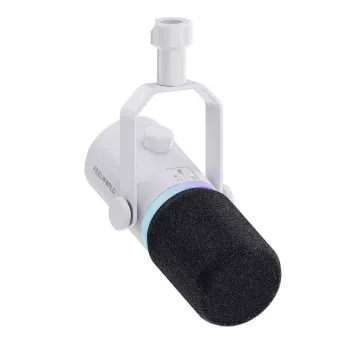
- USB/XLR Dynamic Microphone for Podcasting, Gaming, Streaming & Recording — a single-mic solution for USB convenience today and XLR expansion tomorrow.
- Professional 1875W Hair Dryer with Negative Ions & Brushless Motor for Fast Drying — a practical add-on for creators who record on camera and want a quick, polished look before going live.
FAQ
Is a dynamic microphone better than a condenser microphone for streaming and gaming?
Often, yes—dynamic mics typically reduce room sound and background noise better in untreated spaces, which is common for gaming and streaming setups. Condensers can capture more detail, but they also tend to capture more ambient noise, so the best choice depends on your room and mic technique.
Do USB and XLR sound the same on the same microphone?
The microphone capsule is the same, but the audio path changes: USB uses the mic’s built-in preamp/converter, while XLR depends on your interface or mixer. With a good interface and proper gain staging, XLR can match or improve monitoring control and overall fidelity.
What settings help reduce keyboard and background noise?
Keep the mic close (so you can run lower gain), aim it properly, and use a high-pass filter to remove low-end rumble. A gentle gate or expander can reduce noise between phrases, but avoid aggressive settings that chop quiet syllables or make your voice sound unnatural.














Leave a comment